AI Apps Privacy 2026: Essential Safety Guide for You
How to protect your photos, voice and personal data when using AI apps
AI apps privacy is a topic every smartphone user in Pakistan should understand today. Photo editors, voice generators and other AI tools are easy to download, yet many of us tap “Allow” without checking what the app can reach. This guide explains how apps may use personal information, which permissions deserve a second look, and which simple habits help you stay in control of your data.

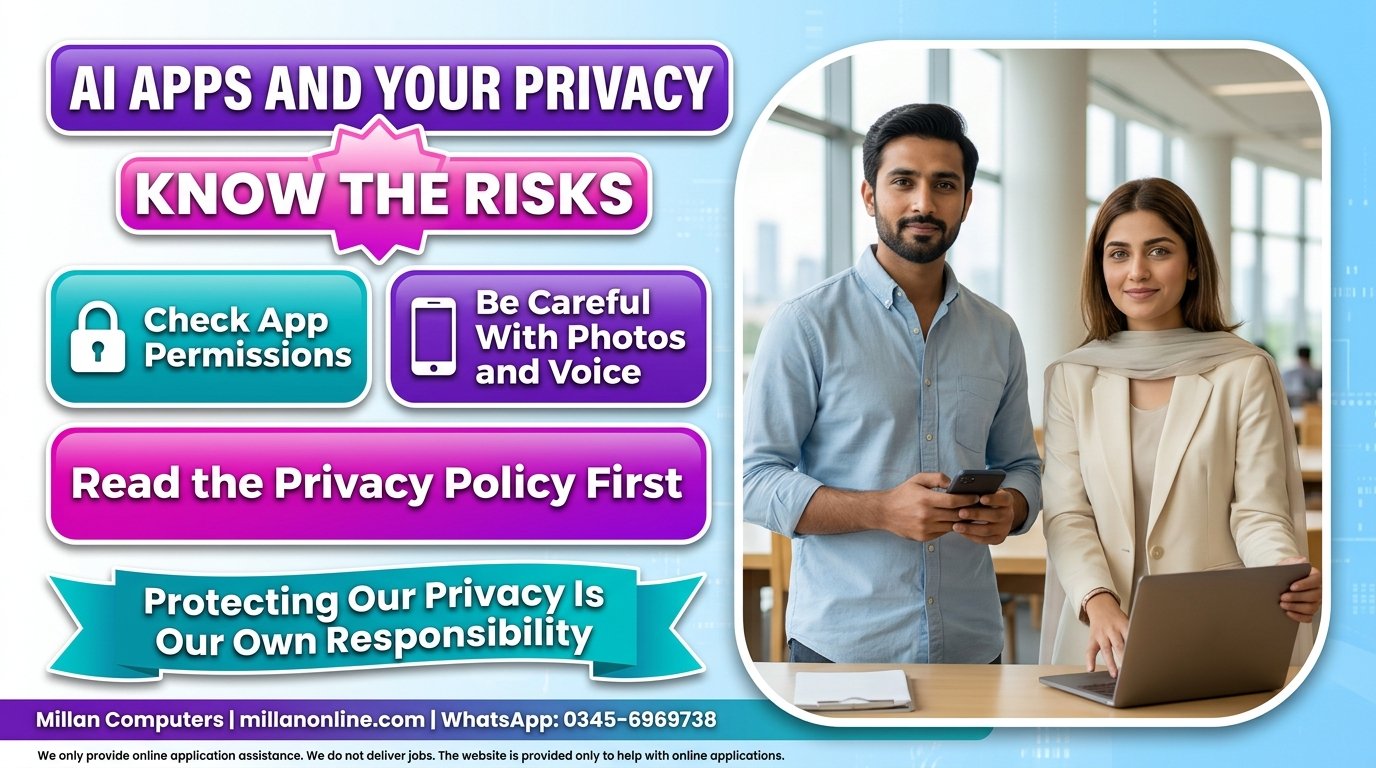
Are AI Apps a Threat to Our Privacy?
The honest answer is: it depends. Some apps handle data responsibly, while others ask for more access than they need. Whether an AI app collects your personal information depends on three things: which app you use, what permissions you have granted, and how the app’s system works behind the screen.
This is why one rule for every app does not work. A simple photo filter and a voice-cloning tool are very different, and so is the risk attached to each. Good AI apps privacy habits start with one question before every install: what does this app really need from me?
How AI Apps Privacy Depends on Permissions and Processing
Some apps process data locally on your mobile device. Others need access to various features and data, which means your information may be used beyond your screen. The point is not to fear every app. The point is to find out which kind of app you are dealing with.
The information apps may use includes:
- Names and email addresses
- Phone numbers
- Likes and other activity inside the app
- Photos and voice recordings, when you upload or record them
For this reason, limiting unnecessary permissions and reviewing your privacy settings regularly is one of the most practical steps you can take. These two habits are the foundation of strong AI apps privacy on any phone.
Quick Permission Check
| Permission | Question to ask yourself |
|---|---|
| Photos or camera | Does the app need my pictures to do its main job? |
| Microphone | Why does it need to hear me, and when? |
| Contacts | Does this feature still work without my contact list? |
| Phone number or email | Is it really required to create an account? |
If the answer is “no” to any of these, consider switching that permission off in your phone settings. You can usually turn it on again later if you truly need the feature.
Handling Sensitive Information Safely
Never share sensitive information or important data with an untrusted application. Before you give any app access to your personal photos, voice recordings or other confidential material, think about who is behind the app and what they say they will do with your files.
A few habits make a real difference:
- Do not upload identity documents, bank details or private family photos to apps you do not know.
- Prefer apps whose developer you can identify and whose privacy policy you can actually read.
- Review app permissions regularly, not just on the day you install the app.
Practical Examples: FaceApp, Lensa AI and ElevenLabs
Looking at specific apps helps show where extra caution is needed. When you use apps such as FaceApp or Lensa AI, be careful about the photos you upload, because a clear face photo is highly personal data. Voice tools deserve the same care. With an app such as ElevenLabs, make sure your voice recordings are not being misused or exploited illegally.
This does not mean these apps are unsafe by default. It means you should read how each company explains the use of your data. For example, ElevenLabs publishes a privacy policy that explains how it processes the personal data of people who use its website and services, and that policy also mentions that users may submit extra audio recordings so the company can verify that a voice belongs to them. You can read the company’s own page here: ElevenLabs privacy policy. This is a separate official page, not the source of this article, and the company may update it at any time. elevenlabselevenlabs
Additional Details from the Official Websites
According to the official pages found at the time of checking, the ElevenLabs privacy policy shows an update date of 3 December 2025. The Lensa AI listing on the Apple App Store, which is the developer’s own listing, points to separate privacy policy and terms of use pages. Policies change, so always confirm the current version on the official page before you upload anything personal.
AI Apps Privacy Checklist Before You Install
Run through this short list every time you try a new AI app:
- Check who the developer is and where the app comes from.
- Open the privacy policy and read the sections about photos, voice and personal details.
- Allow only the permissions the app clearly needs.
- Avoid uploading sensitive photos, documents or recordings.
- Review your privacy settings again after a few days of use.
For example, the developer of Lensa AI lists its privacy policy on the app’s App Store page, at Lensa AI privacy policy. This is a separate official page from the developer, and it may change, so please read the current version yourself before uploading photos. apple
Common Mistakes to Avoid
- Tapping “Allow” on every pop-up without reading it.
- Uploading photos or voice recordings before reading the privacy policy.
- Giving permissions that have nothing to do with the app’s purpose.
- Never checking privacy settings after the first install.
- Sharing sensitive documents with apps from unknown developers.
What the Sources Do Not Tell Us
The original information does not say which app collects which type of data, and we have not made any such claim. We also did not find an official privacy page for FaceApp while checking, so we cannot describe its policy. Please read it through the app’s store listing instead.
FAQs on AI Apps Privacy
Do AI apps collect personal information?
It depends on the app you use, the permissions you grant and how its system works. Some process data on your device, while others need access to features and data.
Should I upload my photos to AI photo apps?
Be careful. Read the privacy policy first, and avoid uploading photos you would not want others to see.
Which permissions should I limit?
Limit any permission the app does not clearly need for its main function, such as contacts, microphone or photos.
Where can I read an app’s privacy policy?
Look at the developer’s official website or the app’s store listing.
Final Reminder
Before you give any app access to your personal information, review its privacy policy. Protecting our privacy is our own responsibility, and staying alert is the best defence. The same care applies when you share personal details for online applications, so keep following verified updates in our Government Jobs and Admissions sections, and see our Scholarships page for study opportunities.
Did you find this guide helpful? Share it with friends and family to raise awareness about AI apps privacy, and tell us in the comments which apps you use and what precautions you take.