Punjab e-Stamp Paper Online: Complete Guide to Download and Print e-Stamp from Home
Step-by-Step Guide to Generate, Pay Challan, Download, and Print Punjab e-Stamp Paper Online from the Official PLRA Website
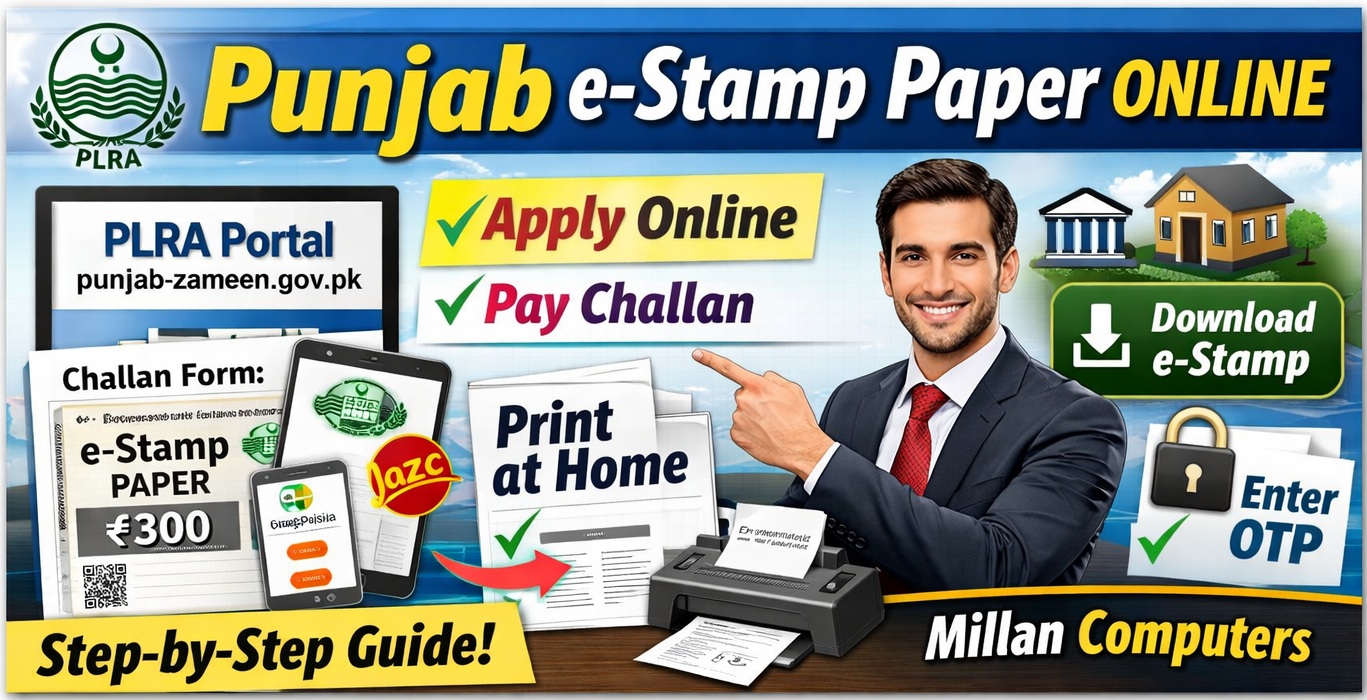

Punjab e-Stamp Paper Online – Complete Guide to Print e-Stamp Paper from Home
The Punjab e-Stamp Paper Online system has made it very easy for citizens to obtain legal stamp papers without visiting stamp vendors or government offices. Previously, people had to go to courts, stamp sellers, or banks to buy stamp papers, which often caused delays and extra costs.
Now the Government of Punjab has introduced a digital system through the Punjab Land Records Authority (PLRA) that allows citizens to generate and download stamp papers online within minutes.
Using this system, you can create a challan, pay the fee through Easypaisa, JazzCash, or bank channels, and download your e-Stamp Paper instantly. This guide explains the complete step-by-step process to get Punjab e-Stamp Paper Online, especially for commonly used documents such as affidavits (Bayan-e-Halfi), agreements, and declarations.
What is Punjab e-Stamp Paper Online?
Punjab e-Stamp Paper Online is a digital stamp paper issued by the government through the official Punjab Land Records Authority portal. It replaces traditional stamp papers sold by vendors.
The electronic stamp paper contains a unique stamp number, QR code, and verification system, which makes it more secure and reduces fraud.
The system was introduced to:
Prevent fake or duplicate stamp papers
Make legal documentation easier for citizens
Provide a transparent digital system
Allow people to generate stamp papers from home
With the help of this online system, citizens can create stamp papers for affidavits, agreements, property matters, and other legal documents.
Benefits of Using Punjab e-Stamp Paper Online
There are many advantages of using the Punjab e-Stamp Paper Online system instead of traditional stamp vendors.
Convenience and Time Saving
You do not need to visit courts or stamp vendors. Everything can be done online from your home or office.
Secure and Authentic
Each e-stamp paper contains a unique identification number that can be verified online.
Easy Payment Options
Payments can be made through:
Easypaisa
JazzCash
Bank branches
ATM or internet banking
Instant Download
Once payment is confirmed, the stamp paper can be downloaded immediately.
Official Website for Punjab e-Stamp Paper Online
To generate stamp papers online, you must use the official website of the Punjab government:
This portal is managed by the Punjab Land Records Authority and provides services related to land records and e-stamping.
Always use the official website to avoid scams or fake services.
Step-by-Step Process to Get Punjab e-Stamp Paper Online
Below is the complete step-by-step guide to download and print Punjab e-Stamp Paper Online from home.
Step 1 – Open the Official PLRA Website
First open the official website of the Punjab Land Records Authority:
https://www.punjab-zameen.gov.pk/
After opening the website, look for the Get an e-Stamp option.
Click on it to start the process.
Step 2 – Open Challan Form (Low Denomination)
After clicking the e-Stamp option, you will see the Challan Form (Low Denomination) option.
Low denomination stamp papers include smaller value stamp papers such as:
Rs 100
Rs 200
Rs 300 (commonly used for affidavits)
Select this option to continue.
Step 3 – Fill the Required Information
Now a form will appear where you must enter the required details carefully.
You may need to provide:
Full name
CNIC number
Mobile phone number
Type of stamp paper
Purpose (for example affidavit or agreement)
Address
Make sure all details are entered correctly because these details will appear on the final stamp paper.
Incorrect information may cause problems later.
Step 4 – Save the Form and Generate Challan
After filling in all required information, click the Save option.
When you save the form, the system will generate a challan form with a PSID or challan number.
This challan number is important because it will be used to make the payment.
You should either download or take a screenshot of the challan for reference.
Step 5 – Pay the Challan Fee
Now you need to pay the challan fee.
The payment can be made through several channels such as:
Easypaisa
JazzCash
Bank branches
ATM
Internet banking
Simply enter the PSID or challan number in the payment system and complete the payment.
Once the payment is successful, the system will record it automatically.
Step 6 – Download Punjab e-Stamp Paper Online
After paying the challan, return to the official PLRA website and choose the Download Stamp Paper option.
You will need to enter the following details:
Challan Number or PSID
Stamp Number (sent to your mobile phone)
CNIC number
Mobile phone number
Once all information is entered, click the Download Stamp button.
Step 7 – Enter OTP and Download the Stamp Paper
The system will send a password or OTP to the mobile number you entered earlier.
Enter the OTP on the website.
After verification, your Punjab e-Stamp Paper Online will be generated.
You can now download it as a PDF file and print it.
How to Print Your e-Stamp Paper
After downloading the stamp paper PDF file, you can print it easily.
Important tips for printing:
Use A4 size paper
Print in clear quality
Do not modify the document
Make sure the QR code and stamp number are visible
The printed copy will be legally valid.
Common Uses of Punjab e-Stamp Paper
The Punjab e-Stamp Paper Online system can be used for many legal documents.
Some common uses include:
Affidavit (Bayan-e-Halfi)
This is the most common use of a Rs 300 stamp paper.
People use it for:
Government applications
Legal declarations
Job documentation
Rental Agreements
Landlords and tenants often create rental agreements on stamp papers.
Property Agreements
Stamp papers are commonly used in property purchase and sale agreements.
Declarations and Undertakings
Various legal declarations also require stamp papers.
Important Tips When Using Punjab e-Stamp Paper Online
To avoid issues, keep the following tips in mind:
Always use the official PLRA website
Enter correct CNIC and mobile number
Save the challan number safely
Verify the stamp paper after download
Do not edit the stamp paper file
If any mistake occurs in the information, you may need to generate a new stamp paper.
How to Verify Punjab e-Stamp Paper Online
The authenticity of the stamp paper can be verified online through the PLRA portal.
Verification ensures that the stamp paper is genuine and issued by the government.
Usually the following details are used for verification:
Stamp Number
CNIC number
QR code
This system helps prevent fake stamp papers.
Why the Government Introduced e-Stamping in Punjab
The Government of Punjab introduced e-stamping to modernize legal documentation.
Traditional stamp papers had several issues:
Fake stamp papers in the market
Black marketing by vendors
Limited availability
Long waiting times
The Punjab e-Stamp Paper Online system solves these problems by providing a transparent digital platform.
Final Words
The Punjab e-Stamp Paper Online system has made legal documentation much easier and faster for citizens across Punjab. Instead of visiting stamp vendors or government offices, people can now generate stamp papers directly from their homes using the official PLRA website.
By following the simple steps explained in this guide—creating a challan, paying through Easypaisa or a bank, and downloading the document—you can obtain a valid stamp paper within minutes.
Always make sure to use the official Punjab Land Records Authority website and keep your challan and stamp numbers safe for future reference.
پنجاب حکومت نے شہریوں کی سہولت کے لیے ای اسٹامپ پیپر کا آن لائن نظام متعارف کرایا ہے جس کے ذریعے اب لوگ گھر یا دفتر بیٹھ کر آسانی سے اسٹامپ پیپر حاصل کر سکتے ہیں۔ اور اس کا مقصد جعلی اسٹامپ پیپرز کا خاتمہ اور قانونی دستاویزات کے حصول کو آسان بنانا ہے۔ اس طریقے میں سب سے پہلے صارف کو سرکاری ویب سائٹ پر جا کر ای سٹمپ کے آپشن پر کلک کرنا ہوتا ہے اور پھر اس کو کھول کر اپنی ضروری معلومات جیسے نام، شناختی کارڈ نمبر، موبائل نمبر اور اسٹامپ پیپر کا مقصد درج کرنا ہوتا ہے۔
فارم مکمل کرنے کے بعد ایک چالان نمبر بن جاتا ہے جس کے ذریعے فیس ادا کی جاتی ہے۔ یہ فیس ، بینک برانچ، یا آن لائن بینکنگ کے ذریعے جمع کروائی جا سکتی ہے۔ ادائیگی ہونے کے بعد دوبارہ ویب سائٹ پر جا کر کے چالان نمبر اور دیگر مطلوبہ معلومات درج کی جاتی ہیں۔ اس کے بعد صارف کے موبائل نمبر پر ایک او ٹی ُپی کوڈ آتا ہے، جسے درج کرنے پر ای اسٹامپ پیپر ڈاؤن لوڈ ہو جاتا ہے۔
ڈاؤن لوڈ ہونے والا ای اسٹامپ پیپر فائل کی صورت میں ہوتا ہے جسے عام کاغذ پر پرنٹ کیا جا سکتا ہے اور یہ مکمل طور پر قانونی طور پر قابل قبول ہوتا ہے۔ اس پر ایک یونیک نمبر اور کوڈ بھی موجود ہوتا ہے جس کی مدد سے اس کی تصدیق کی جا سکتی ہے۔ یہ سسٹم خاص طور پر بیانِ حلفی (300 روپے)، کرایہ نامہ، معاہدہ اور دیگر قانونی دستاویزات کے لیے بہت مفید ہے اور اس سے وقت کی بچت کے ساتھ ساتھ دھوکہ دہی کے امکانات بھی کم ہو جاتے ہیں۔